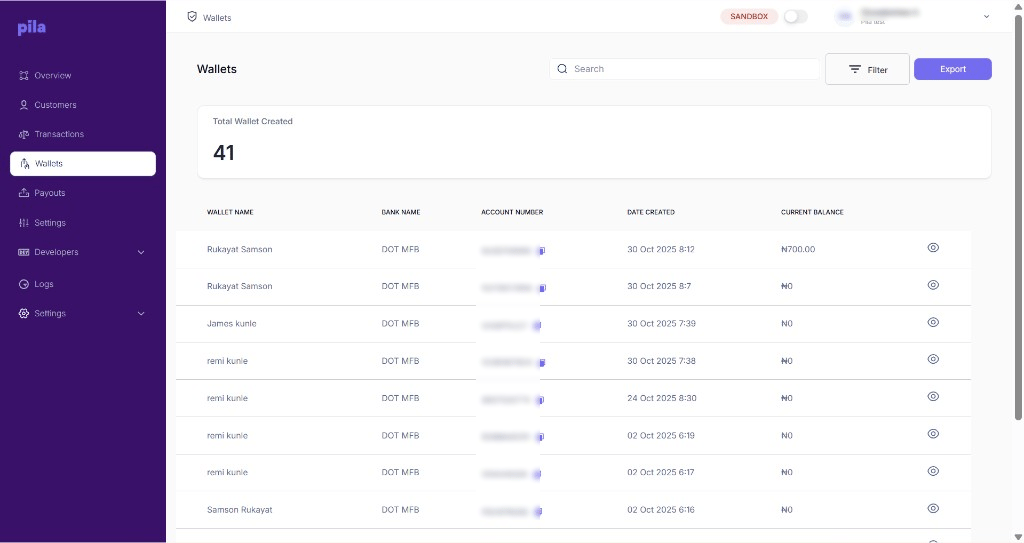
A wallet is a virtual bank account Pila issues to one of your customers. The Wallets page lists every wallet across your business, with its account number and current balance.
Pila dashboard Wallets page listing customer wallets

The Wallets page

The Total Wallet Created card counts the wallets in the current mode. A customer can have more than one wallet.

Find and export

Use Search to find a wallet by name or account number. Select Filter, choose a range under By Date, then select Filter. Select Export to download the list.
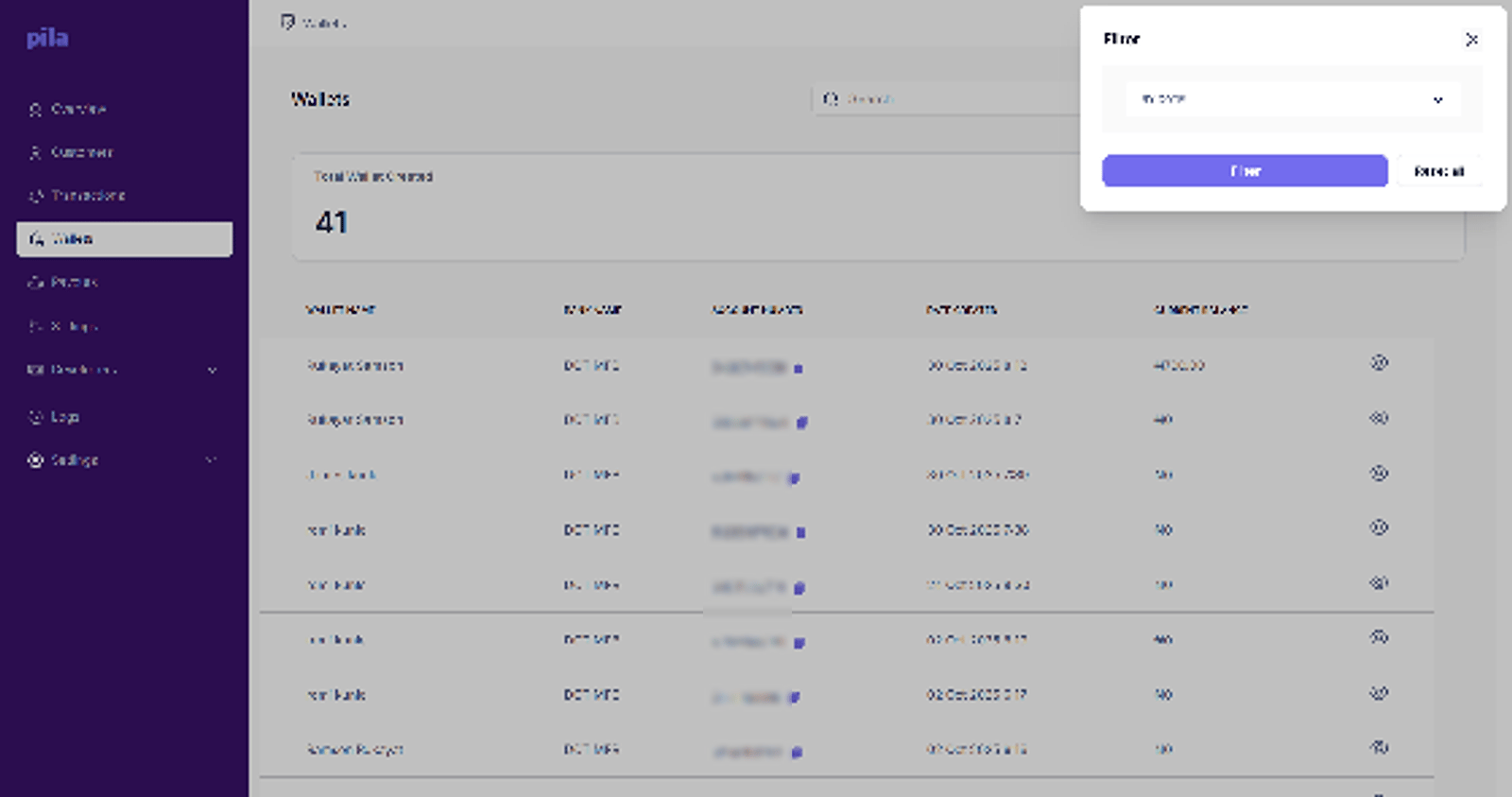
Filter panel on the Wallets page

The wallets filter panel

Wallet details

Select the eye icon on a wallet to open it. Below is the wallet’s transaction history: date, reference, bank, amount, type, the running balance after each entry, and status. Select Back to return to the list.
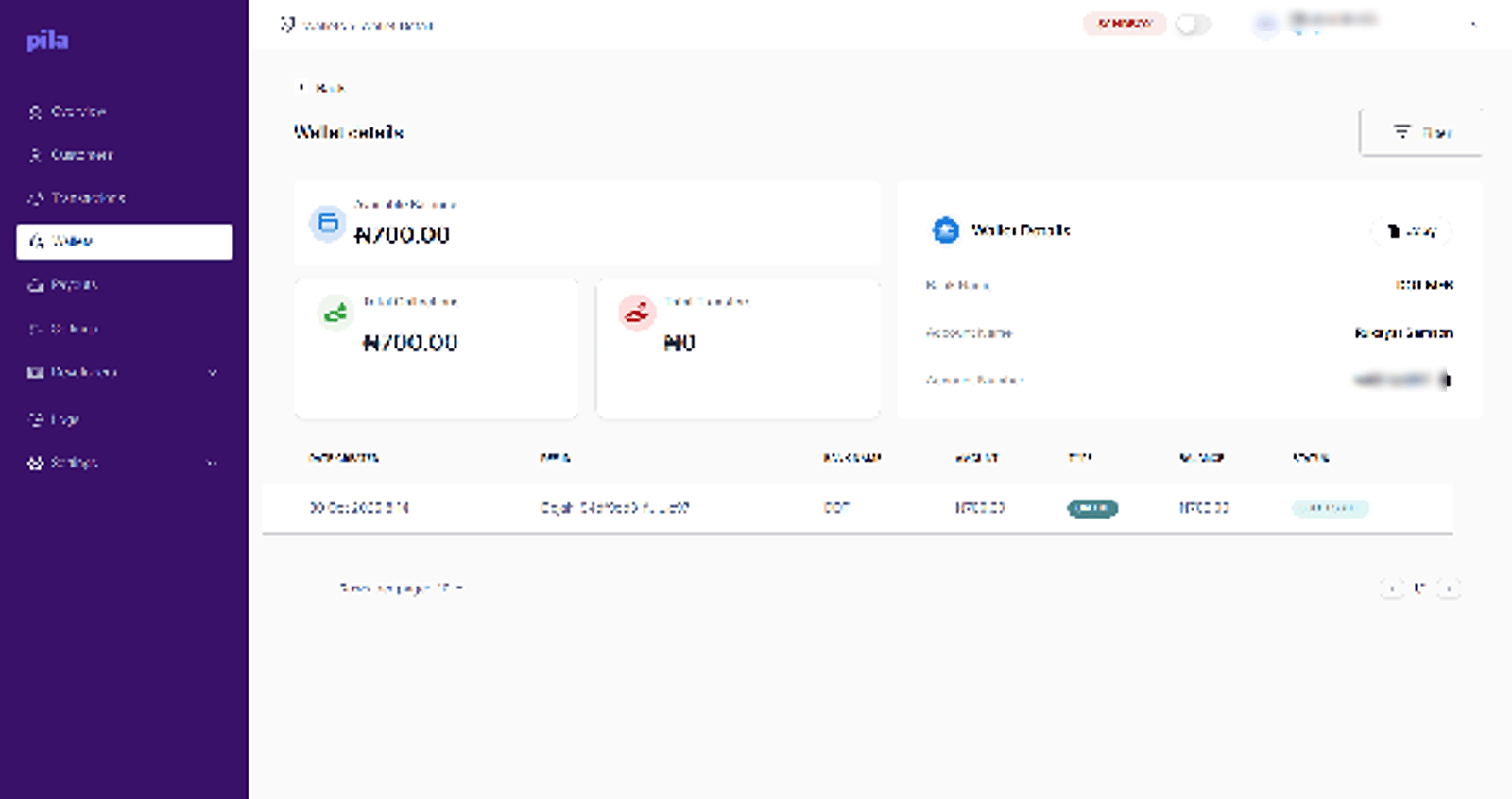
Wallet details page showing balance and transaction history

Wallet details, with running balance

When a customer says money is missing, check the wallet balance here first, then find the specific movement in Transactions. Most reports resolve to a transfer that is still processing.

Doing this from the API