
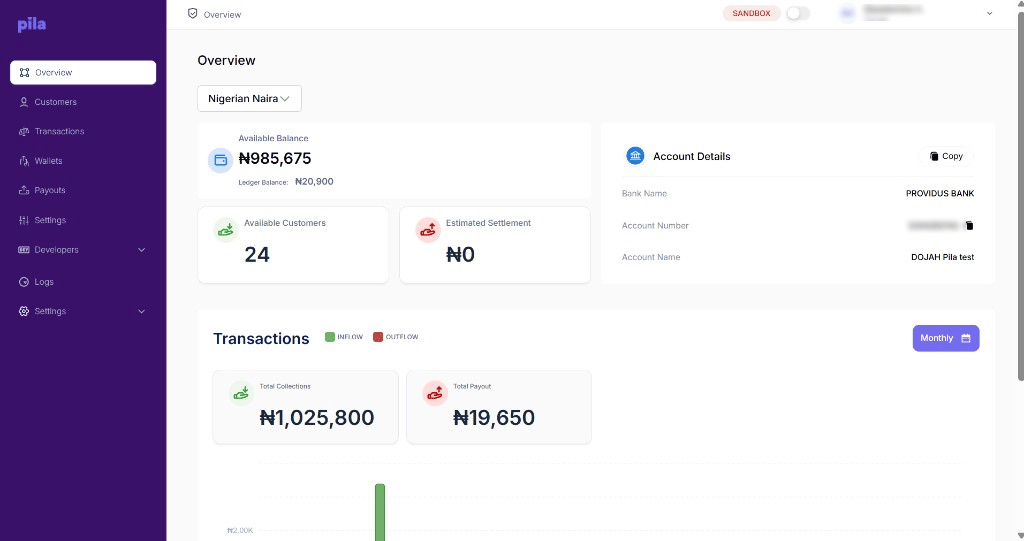
The Overview page
Account details
The Account Details card shows the bank name, account number and account name of your business account on Pila. Use it to fund your balance.1
Copy just the account number
Select the copy icon next to the account number.
2
Or copy all three
Select Copy at the top of the card to take the bank name, account number and account name together.
Transactions chart
Scroll down for a chart of your transaction history. Green bars are inflow (money in) and red bars are outflow (money out). The Total Collections and Total Payout cards above the chart give the totals. Use the Monthly button to change how the chart groups time.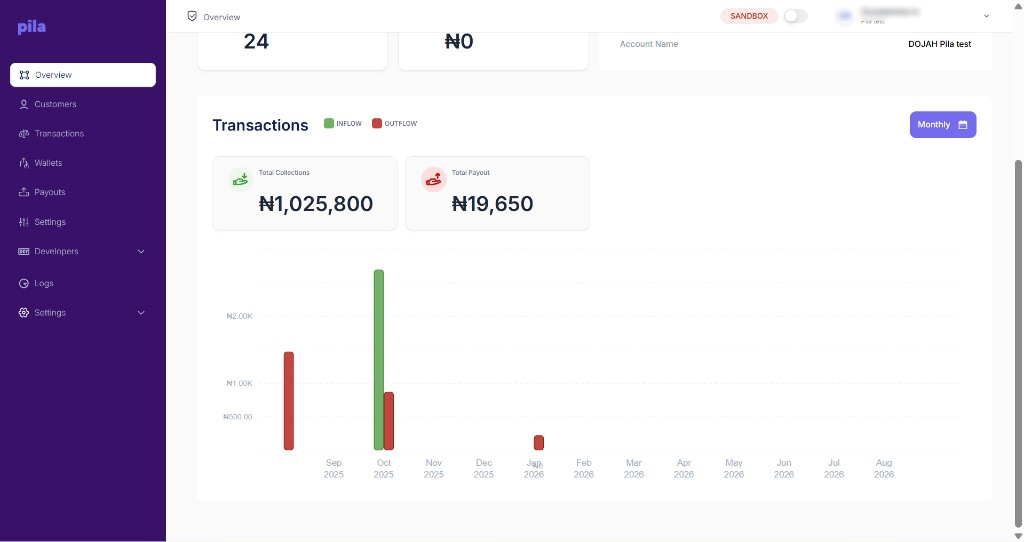
Inflow and outflow, with collection and payout totals
Next
Customers
Find a customer and open their wallets and cards.
Transactions
The full record of money moving through your business.