
1
Open the dashboard
Go to dashboard.trypila.co.
2
Enter your email and password
Use the address your Pila account was created with.
3
Submit
You land on the Overview page.
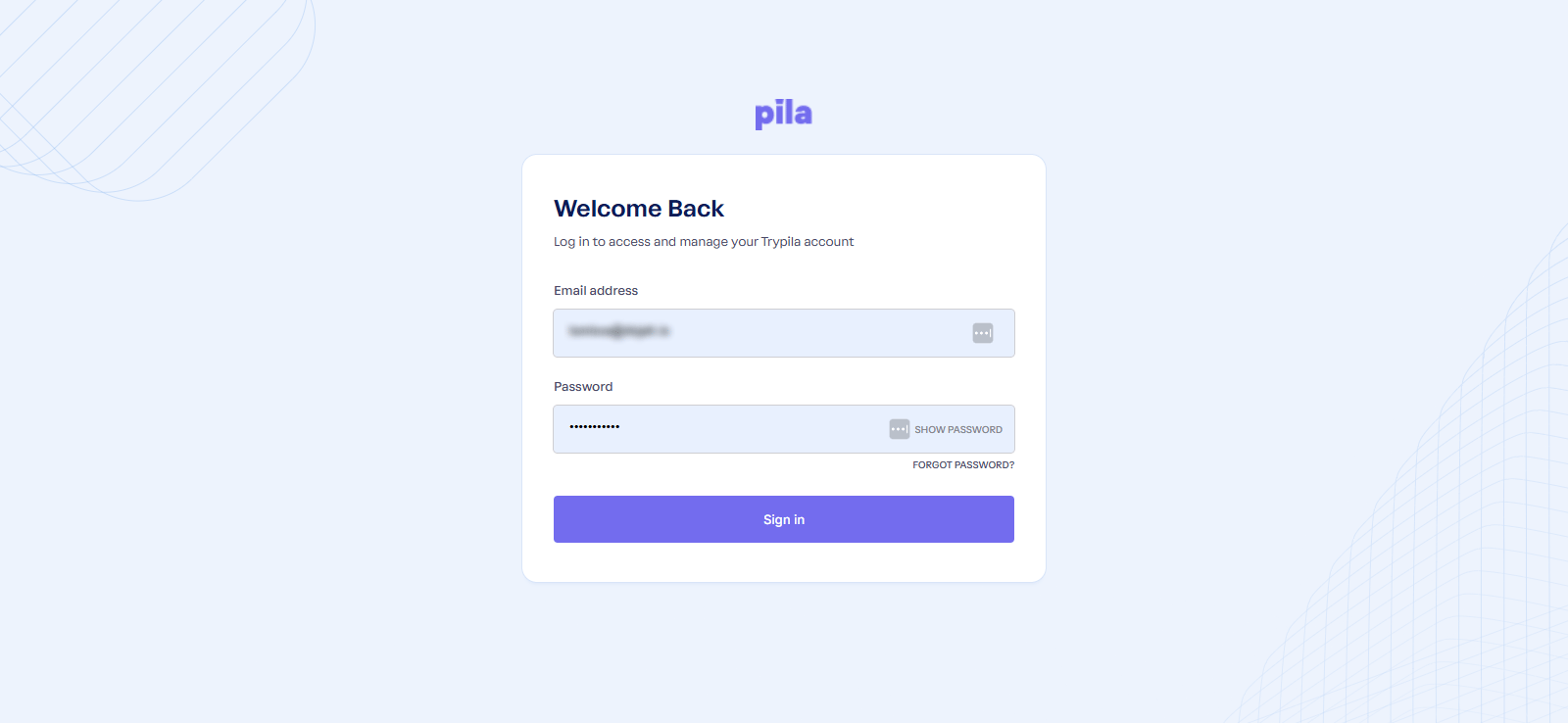
The Pila sign-in page
Sandbox and live
Every page shows a SANDBOX / Live badge and switch in the top bar. It controls which mode’s data you are looking at — balances, wallets, transactions, API keys and webhooks are all separate between the two.While you are awaiting activation, you can build in sandbox straight away using your
AppId and sandbox keys. Live access opens once your company verification and SLA are complete — see Company verification.Next
Navigating the dashboard
The sidebar, the top bar, and the patterns that repeat on every screen.
Create an app
Get the
AppId and keys every API call needs.