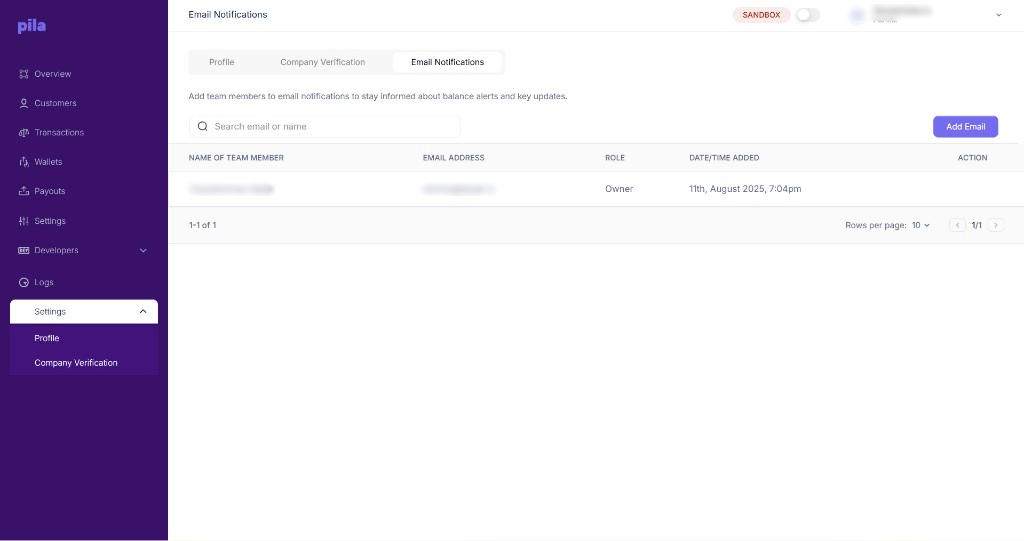
Add team members here so they get balance alerts and other key account updates by email. The table lists each recipient’s name, email, role and when they were added.
Email notifications tab listing recipients

The Email Notifications tab

Add a recipient

1

Open the Email Notifications tab

From Settings at the bottom of the sidebar.
2

Select Add Email

The button sits above the table.
3

Pick the team member

In Add new email address, open Select email and pick the team member.
4

Add

Select Add. They appear in the table.
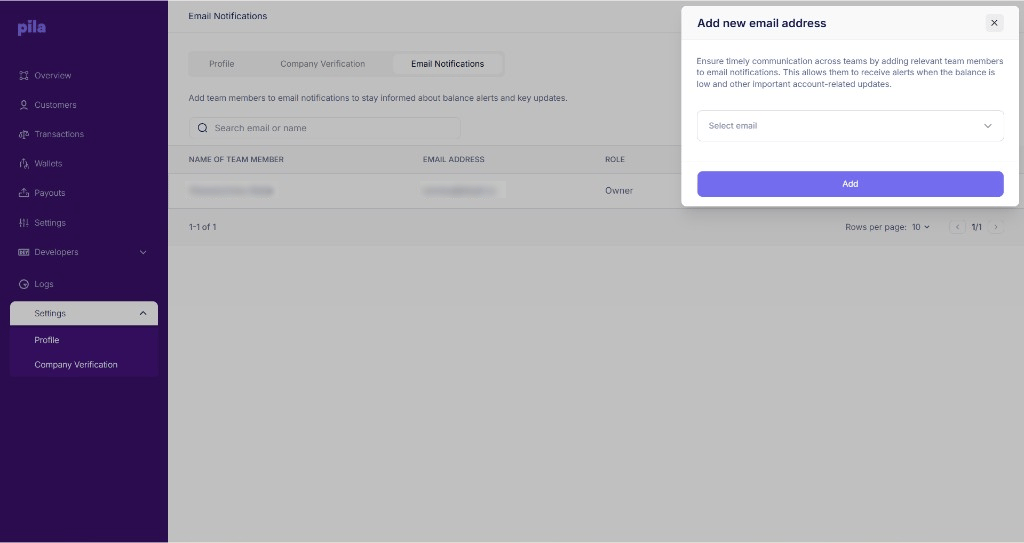
Add new email address dialog

Adding a notification recipient

Use Search email or name to find a recipient, and the Action column to manage them.
Point balance alerts at a shared finance inbox rather than one person. A low-balance warning that lands in an unattended mailbox is a payout run that fails at the worst moment.
This controls who receives alerts. To turn credit-alert emails on or off at all, use Notification Settings under Business settings.