> ## Documentation Index
> Fetch the complete documentation index at: https://api-docs.trypila.co/llms.txt
> Use this file to discover all available pages before exploring further.
# Payouts
> Review transfers out, download receipts, and start a new transfer without writing any code.
Payouts are transfers from your Pila balance to bank accounts. On this page you review past payouts, download receipts and start a new transfer.
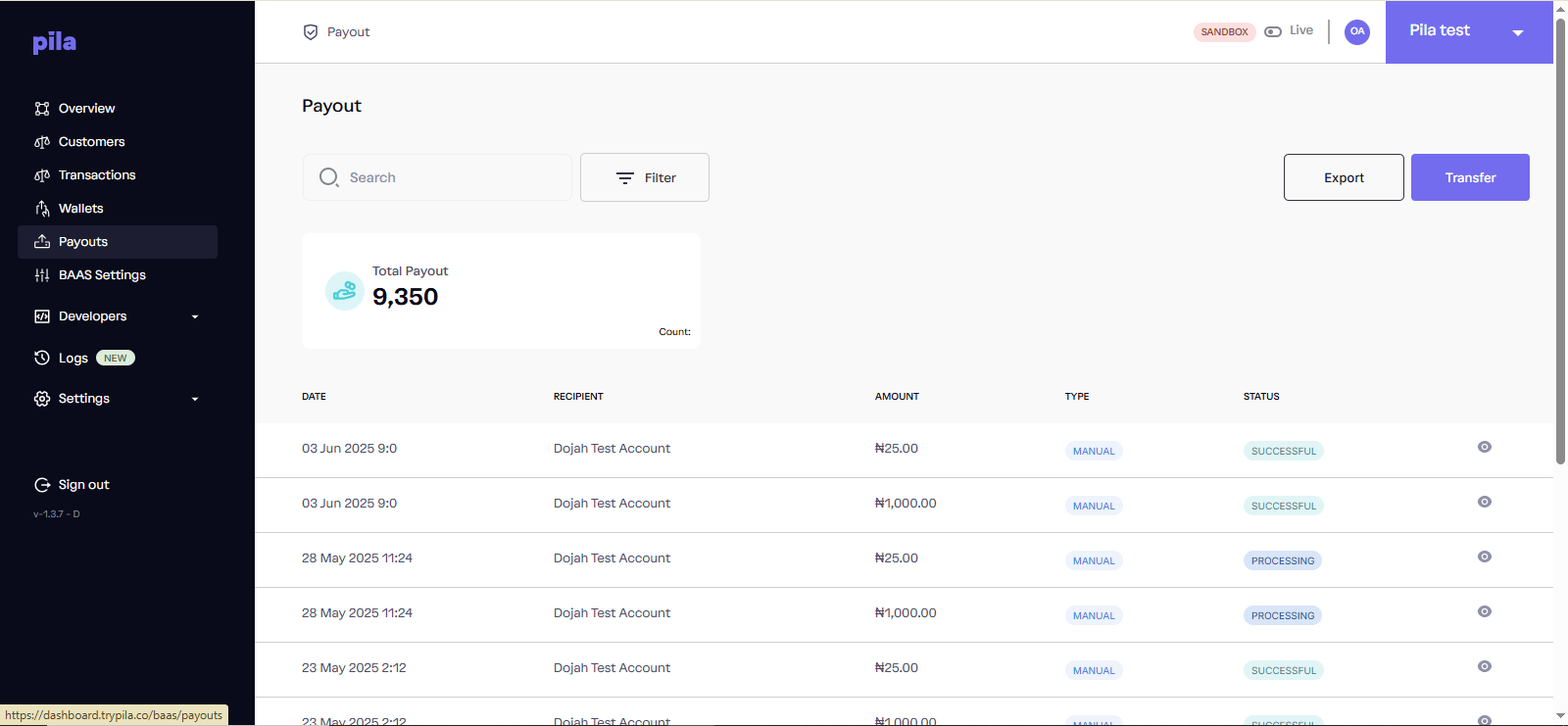 The **Total Payout** card shows the total value paid out. Each row shows the **date**, **recipient**, **amount**, **type** (`MANUAL` means it was sent from the dashboard) and **status**.
## Make a transfer
Confirm the top bar shows the mode you intend, and that your available balance covers the amount.
At the top right of the Payout page.
The recipient's bank account, then the amount.
The payout then appears at the top of the list. Set a PIN first under [Business settings](/dashboard-guide/home/settings#change-your-payment-pin) if you have not.
Always confirm the resolved account name before sending. A transfer to the wrong account cannot be reversed from the dashboard — recovery depends on the receiving bank.
## Filter payouts
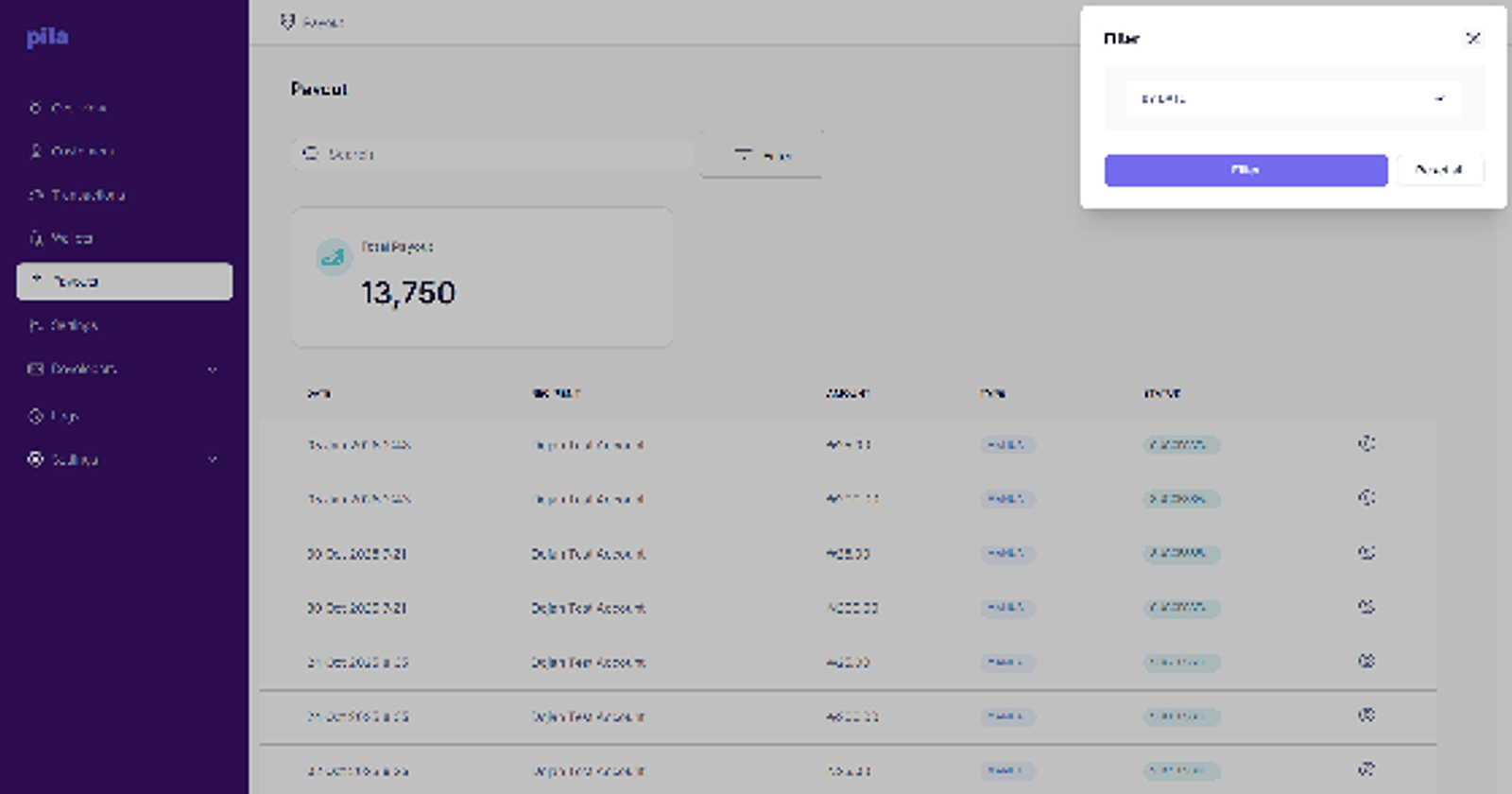
Select **Filter**, choose a range under **By Date**, then select **Filter**. Select **Reset all** to clear.
The **Total Payout** card shows the total value paid out. Each row shows the **date**, **recipient**, **amount**, **type** (`MANUAL` means it was sent from the dashboard) and **status**.
## Make a transfer
Confirm the top bar shows the mode you intend, and that your available balance covers the amount.
At the top right of the Payout page.
The recipient's bank account, then the amount.
The payout then appears at the top of the list. Set a PIN first under [Business settings](/dashboard-guide/home/settings#change-your-payment-pin) if you have not.
Always confirm the resolved account name before sending. A transfer to the wrong account cannot be reversed from the dashboard — recovery depends on the receiving bank.
## Filter payouts
Select **Filter**, choose a range under **By Date**, then select **Filter**. Select **Reset all** to clear.
 ## View a payout and download a receipt
Select the eye icon at the end of the row.
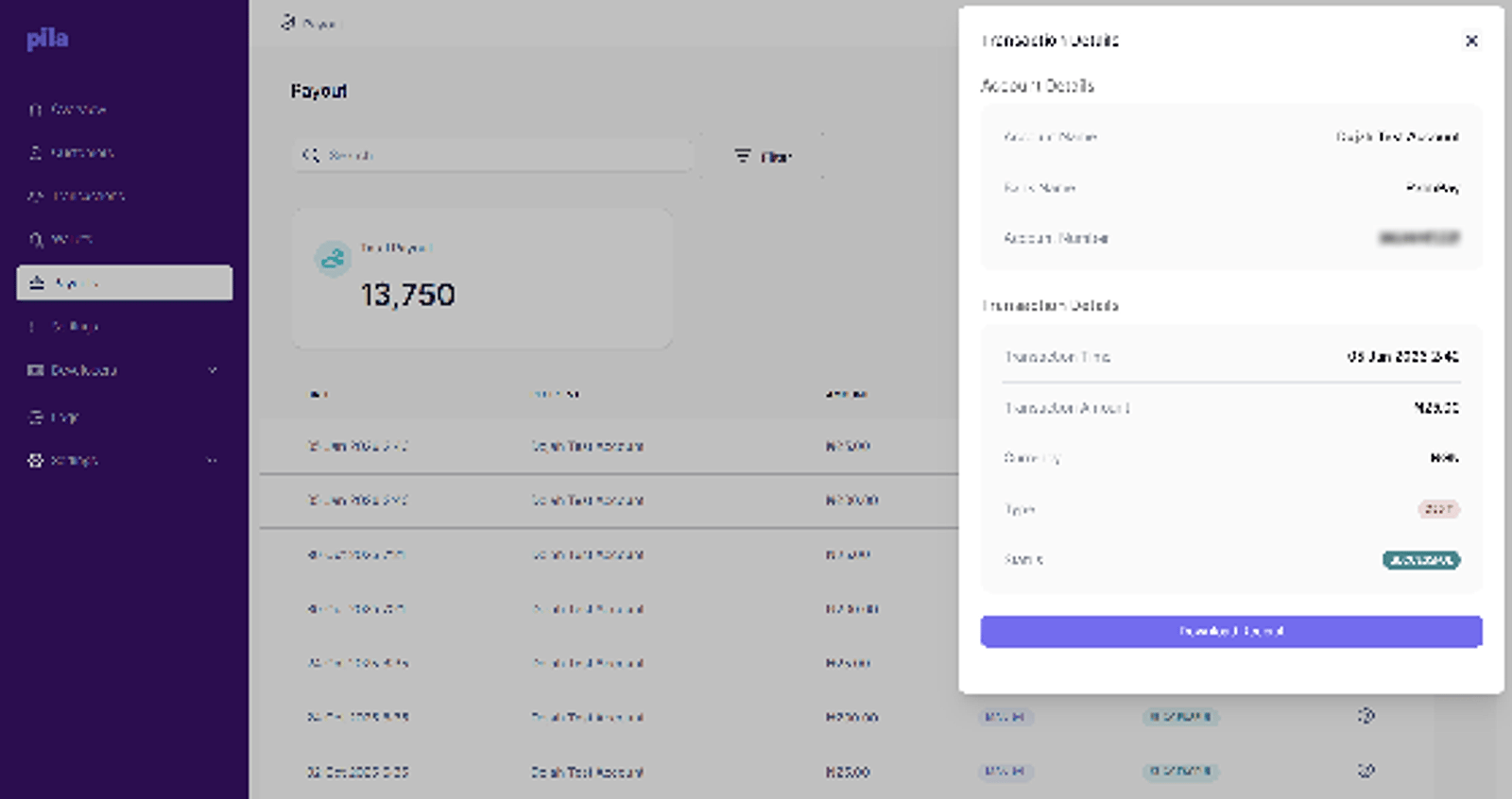
**Account Details** shows the account name, bank and account number paid. **Transaction Details** shows time, amount, currency, type and status.
Select **Download Receipt** to save proof of payment for the recipient.
## View a payout and download a receipt
Select the eye icon at the end of the row.
**Account Details** shows the account name, bank and account number paid. **Transaction Details** shows time, amount, currency, type and status.
Select **Download Receipt** to save proof of payment for the recipient.
 Select **Export** to download your payout history. Filter first to export a specific period.
## Statuses
| Status | What to do |
| - | - |
| `PROCESSING` | Wait. It is with the receiving bank. Do not re-send. |
| `SUCCESSFUL` | Settled. |
| `FAILED` | Did not go through, and funds are not debited. Check the recipient details and try again. |
If a payout sits in `PROCESSING` far longer than usual, note its reference and contact [support](/support) rather than retrying. Retrying a transfer that later settles means paying twice.
## Doing this from the API
| Task | Endpoint |
| - | - |
| Send a transfer | [Transfer funds](/api-reference/wallets/transfer-funds) |
| Confirm a recipient first | [Resolve NUBAN](/api-reference/general-services/resolve-nuban) |
| Find a bank code | [Fetch banks](/api-reference/general-services/fetch-banks) |
| Check whether it settled | [Transaction details](/api-reference/wallets/transaction-details) |
This documentation is built and hosted on [Mintlify](https://mintlify.com), a developer documentation platform.
Select **Export** to download your payout history. Filter first to export a specific period.
## Statuses
| Status | What to do |
| - | - |
| `PROCESSING` | Wait. It is with the receiving bank. Do not re-send. |
| `SUCCESSFUL` | Settled. |
| `FAILED` | Did not go through, and funds are not debited. Check the recipient details and try again. |
If a payout sits in `PROCESSING` far longer than usual, note its reference and contact [support](/support) rather than retrying. Retrying a transfer that later settles means paying twice.
## Doing this from the API
| Task | Endpoint |
| - | - |
| Send a transfer | [Transfer funds](/api-reference/wallets/transfer-funds) |
| Confirm a recipient first | [Resolve NUBAN](/api-reference/general-services/resolve-nuban) |
| Find a bank code | [Fetch banks](/api-reference/general-services/fetch-banks) |
| Check whether it settled | [Transaction details](/api-reference/wallets/transaction-details) |
This documentation is built and hosted on [Mintlify](https://mintlify.com), a developer documentation platform.